
ENGINEERING PATENT ILLUSTRATIONS
Patent drawing software for mechanical figures
Start with a mechanical template. Set its dimensions and generate black-and-white views from one CAD model, ready for your review.
Try the current demo without an account. It generates drawings from six predefined structures.
- CAD templates
- 06
- Model-based views
- ISO + ORTHO
- Download formats
- SVG / PDF / STEP
01 / THE DRAWING SET
One structure, several useful views
Dimensions you can change
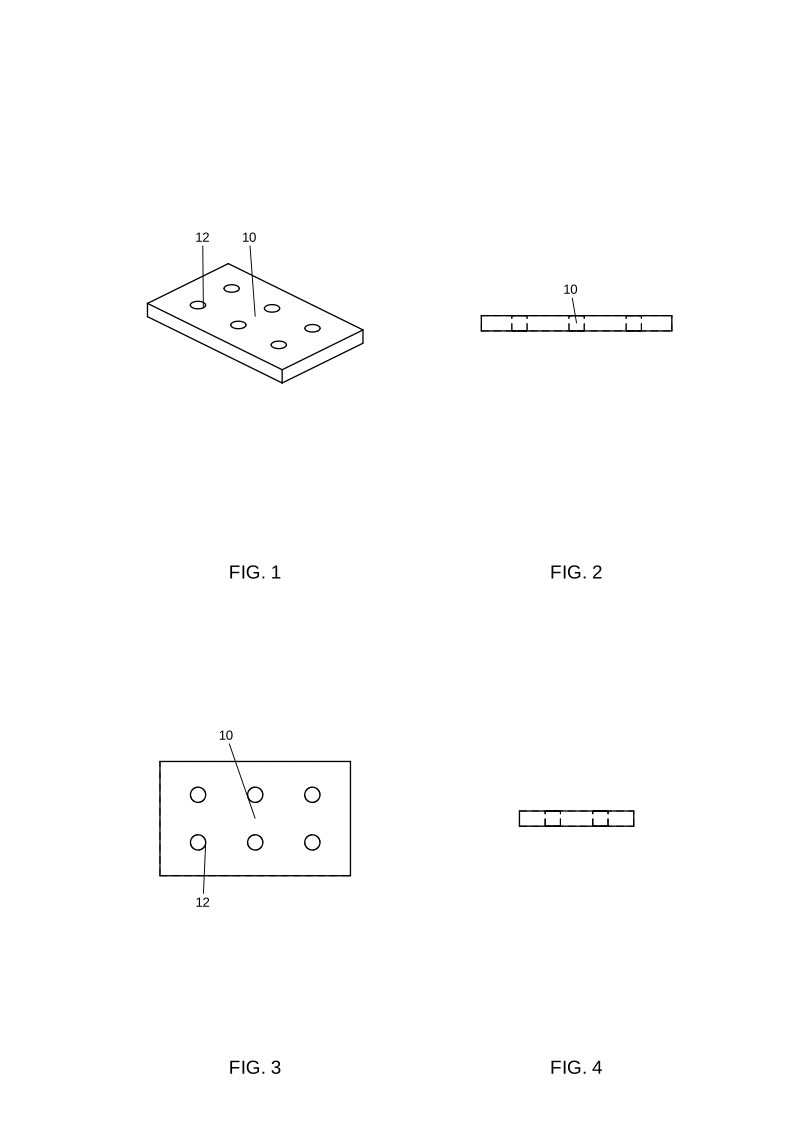
Set hole counts, thickness, wall size, or another supported parameter. Generate again to see the changed structure across its views.
Views projected from geometry
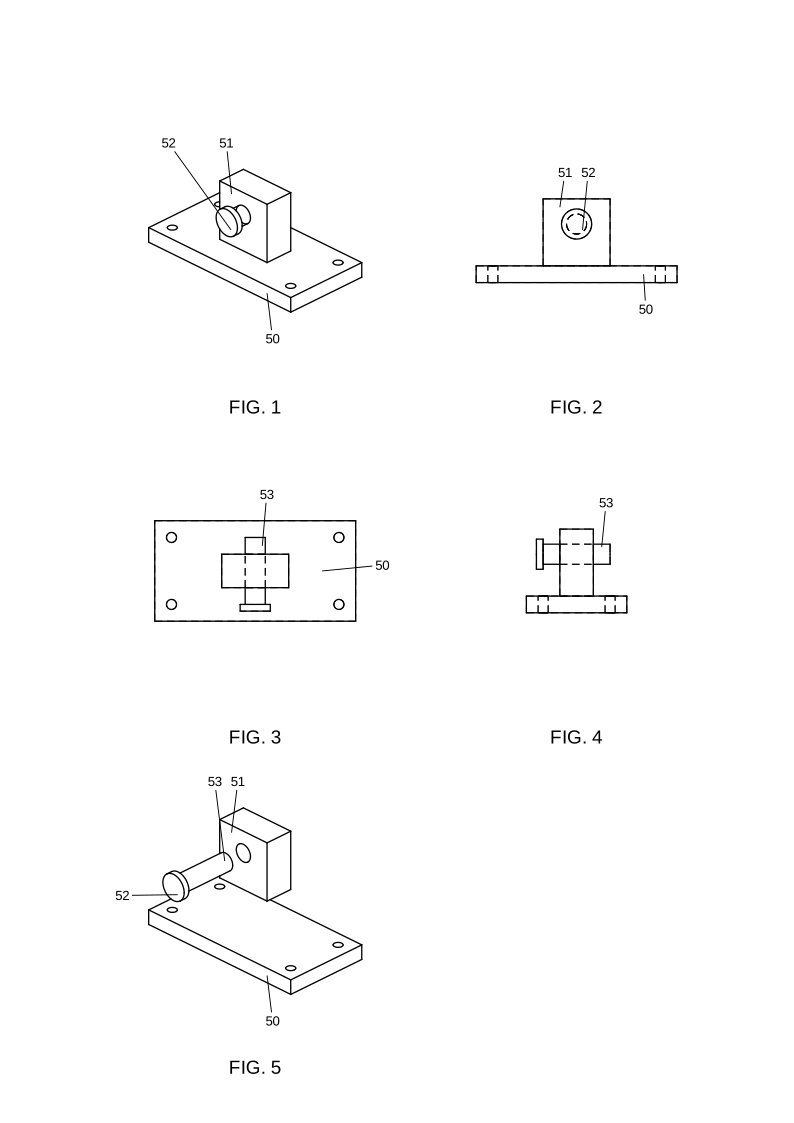
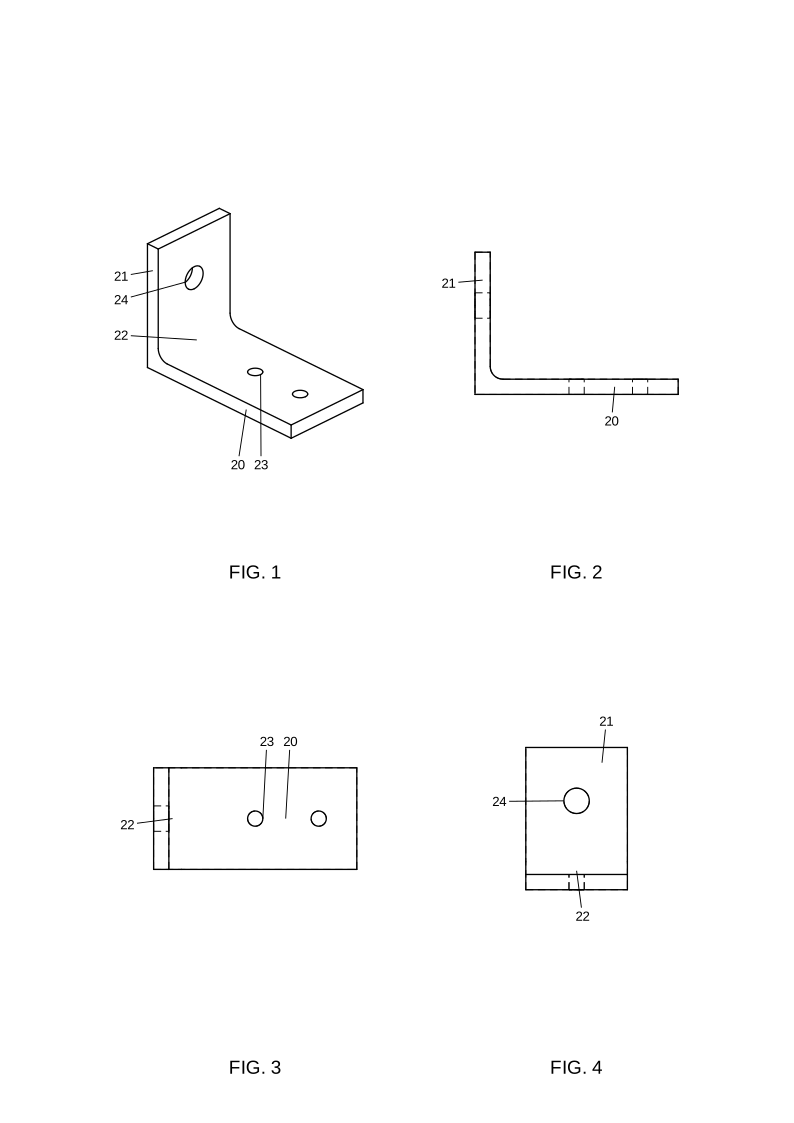
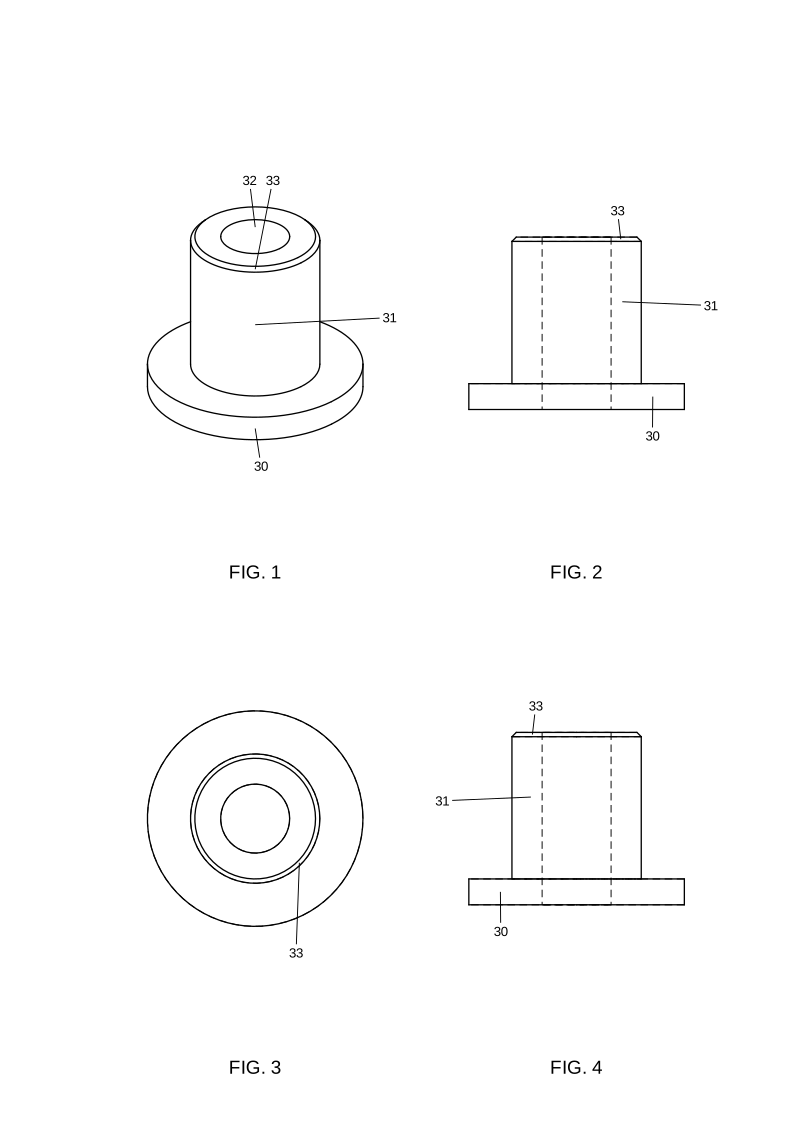
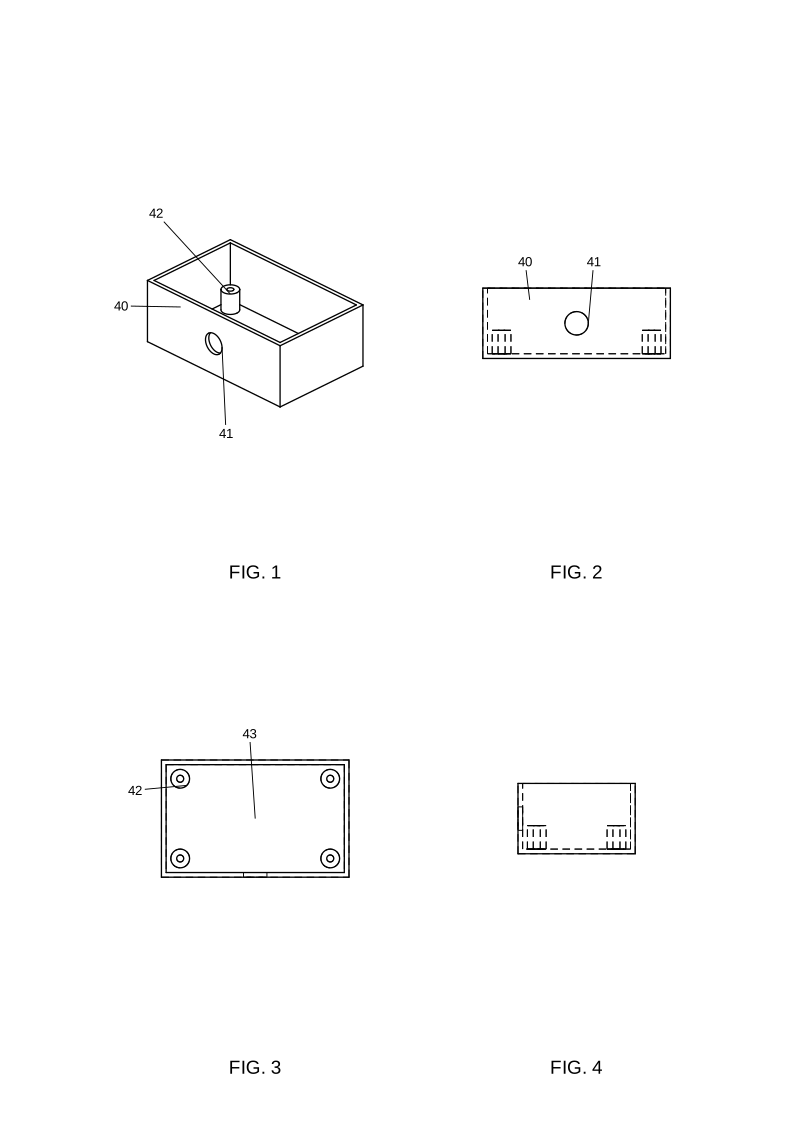
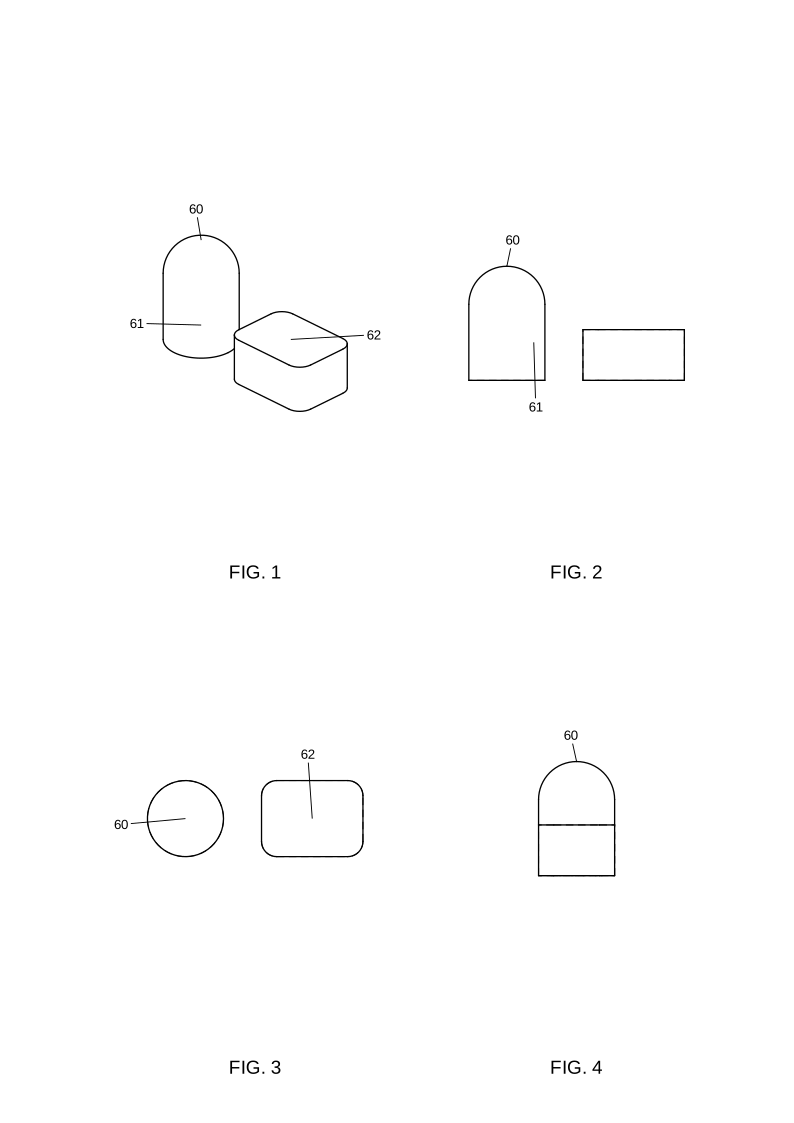
Get isometric, front, top, and right views. The assembly template also includes an exploded view with component reference numerals.
Vector sheets and CAD files
Download the A4 sheet as SVG or PDF, plus the STEP model. SVG preserves vector linework for further editing in compatible software.
02 / WORKFLOW
From template to drawing sheet
- 01
Choose a structure
Pick a plate, bracket, bushing, enclosure, assembly, or curved-part example in the drawing demo.
- 02
Adjust and generate
Enter the available dimensions in millimeters. The generator builds the model and checks its geometry before returning a sheet.
- 03
Review and export
Inspect the views and reference numerals. Download the files and check the sheet against your invention and filing requirements.
03 / SUPPORTED STRUCTURES
Six starting points for mechanical figures
04 / CURRENT SCOPE
Built for a first engineering figure set
The current release is a template-based engineering demo. It suits learning the drawing workflow and reviewing figures for the supported mechanical structures.
Sketch and photo uploads, free-form AI modeling, and dragging reference numerals in the browser are not available yet.
Generated sheets need review for the actual invention and the intended patent office. The demo does not certify filing compliance. Files are retained for 24 hours.
Read the drawing checklist05 / DRAWING NOTES
Understand the sheet before you file
Patent drawings
The role of views, reference numerals, and linework in an invention disclosure.
Utility patent drawings
Mechanical structures and numbered parts in U.S. utility applications.
Design patent drawings
How appearance disclosure differs from the engineering figures in this demo.
Patent drawing requirements
A review checklist with links to official USPTO guidance.
Make a sheet you can inspect.
Choose a mechanical structure and generate its views in the demo.